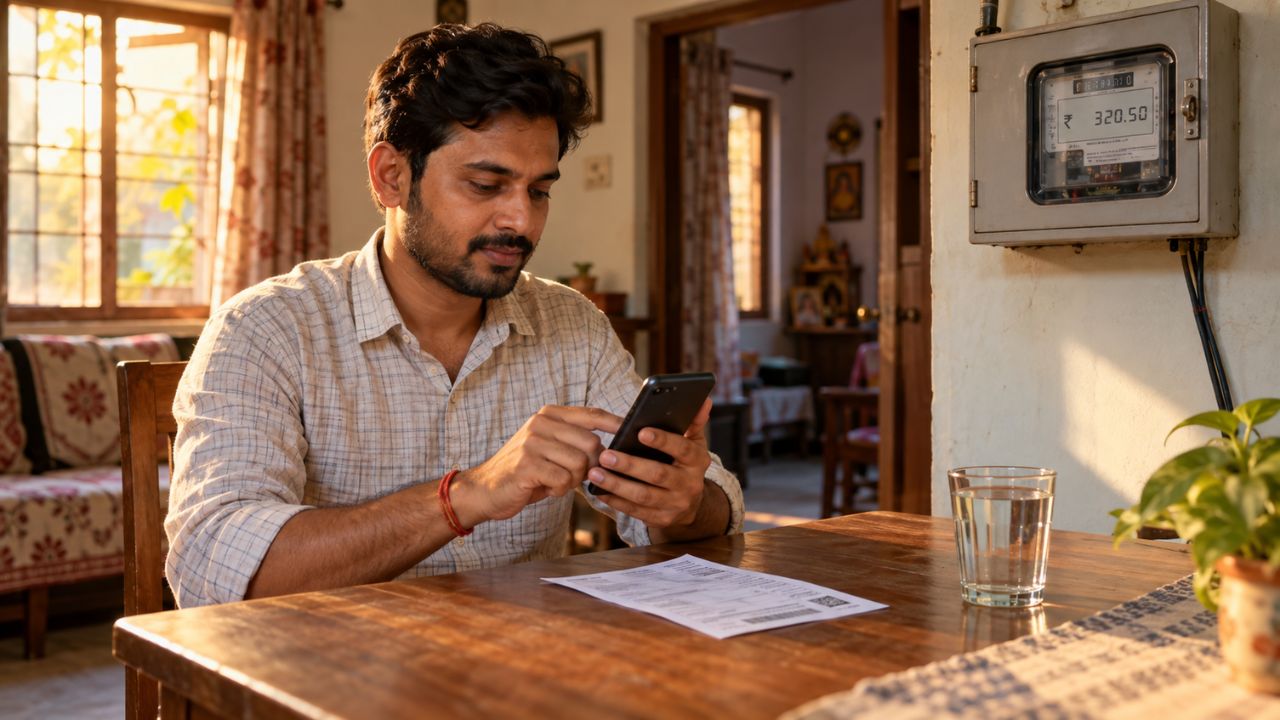
You can recharge a UPPCL prepaid smart meter from home through the official website, the UPPCL SMART app, UPI apps, or an authorized counter. Payment usually credits the prepaid balance without a lineman visit.
This guide walks Uttar Pradesh consumers through each method, explains what happens to old postpaid dues, and shows what to do if supply does not return after payment. You can also estimate recharge allocation and balance duration with our UPPCL Prepaid Meter Calculator.
A prepaid smart meter works like a mobile recharge. You add money first. The meter then deducts that balance as you use power.
If the balance runs out and emergency credit ends, the connection can switch off remotely. Recharging in time is the simplest way to keep the lights on.
How to Recharge UPPCL Prepaid Smart Meter Online
The official path is the UPPCL website or the UPPCL SMART app. Both use your Account ID, also called the consumer number or account number. Keep that number handy before you start. You can also find it on older bills, SMS alerts, or the meter papers given at installation.
Recharge on the UPPCL website
UPPCL’s own consumer video shows this website process for smart prepaid meters.
- Open www.uppcl.org on your phone or computer.
- Go to Consumer Corner and choose Smart Meter Prepaid Recharge. The consumer portal page used for this service is also listed from the official site as consumer.uppcl.org/wss/smart_bill_pay_home.
- Select your district.
- Enter your Account ID and the captcha, then tap View.
- Check the details on screen: name, address, DISCOM, mobile number, current prepaid balance, and any old postpaid arrear.
- If you only want to add meter balance, type the amount in Enter Amount to Recharge.
- Review Net Recharge Available. If you have old dues, part of this recharge may be set aside for arrears before the rest reaches the meter.
- Tap Proceed to Prepaid Recharge.
- Choose a payment option such as UPI, card, net banking, wallet, or QR.
- Complete payment and save the receipt. Keep the SMS that arrives on your registered mobile number.
After a successful payment, the portal and official guidance say the prepaid balance should update quickly. If supply was already off, reconnection can still take up to about two hours.
Recharge in the UPPCL SMART app
UPPCL tells consumers to download the UPPCL SMART app for bill payment, prepaid recharge, and consumption tracking. The Play Store listing covers MVVNL, PVVNL, DVVNL, PuVVNL, and KESCO.
- Install UPPCL SMART from Google Play or the App Store. Use the official listing, not a lookalike app.
- Register or log in with your registered mobile number and OTP.
- Open the home screen. Prepaid users should see the account number, name, and current balance.
- Tap Pay, Pay Now, or Recharge.
- Confirm the account and enter the recharge amount.
- Choose UPI, debit card, credit card, or another listed gateway.
- Pay, wait for the success message, and check the new balance.
News reports based on the same app flow say the updated balance often appears within about 5 to 20 minutes. If it does not, refresh the app or check the meter display and website.
You can also use the older UPPCL Consumer app for some Pay Bill or Recharge options. If one app does not show your prepaid account, try the website or UPPCL SMART.
Recharge with Google Pay, PhonePe, Paytm, or BHIM
UPPCL publicly lists Paytm and Google Pay among accepted recharge channels, along with the website and app.
- Open the UPI app and choose Electricity or BBPS bill pay.
- Search for your UPPCL DISCOM or the exact prepaid biller name shown in the app.
- Enter the Account ID or connection number the app asks for.
- Confirm the name and address before you pay.
- Pay and save the BBPS or UPI reference number.
Use only the official biller inside the app. Do not pay a personal UPI ID that claims to be a lineman or “meter agent.”
Some older Genus CTS prepaid meters work differently. An official UPPCL note says those consumers can use BBPS apps, select “UPPCL CTS Prepaid Meter (GENUS),” enter the connection number and Authenticated Billing Code (AB Code), pay, then enter the code shown after payment into the meter.
If your meter is a newer smart prepaid unit that updates by itself, you usually do not punch a token. If the app asks for an AB Code you do not have, stop and use the UPPCL website or SMART app instead.
Recharge offline at a counter or CSC
If you prefer cash, or the app is down, official UPPCL guidance also allows recharge through:
- Departmental cash counters
- Jan Seva Kendra / CSC centers
- Vidyut Sakhi
- Authorized fintech collection points
Ask for a printed receipt with your Account ID and the amount. Then check the app, website, or meter display until the balance rises.
How prepaid balance, old dues, and supply cuts work
Check your balance before it hits zero
You can read the prepaid balance in four places:
- The meter display
- The UPPCL SMART app
- The official prepaid recharge page after you enter your Account ID
- SMS alerts on the registered mobile number
UPPCL materials describe low-balance alerts when about 30% of the last recharge remains, again at about 10%, and again at zero, plus a message near the start of the month. Update your mobile number on the official site or at the subdivision office if you changed SIMs. Otherwise you may miss every warning.
A useful habit is to recharge when the first alert arrives, not after the fan stops.
Why part of a recharge may not reach the meter
If your connection still shows an old postpaid arrear, a prepaid recharge does not always put the full amount on the meter. UPPCL’s consumer video explains that a fixed share of each recharge can be adjusted against those old dues.
In the example used there, dues under ₹10,000 and a ₹2,000 recharge led to a 10% adjustment, with the rest shown as net recharge available.
Reporting that cites UPPCL Letter No. 27 dated 16 January 2026 describes these domestic (LMV-1) slabs:
| Old postpaid dues | Share of each recharge adjusted to dues |
|---|---|
| Up to ₹10,000 | 10% |
| ₹10,001 to ₹15,000 | 15% |
| ₹15,001 to ₹20,000 | 20% |
| Above ₹20,000 | 25% |
The same reporting says other categories may see a 25% adjustment. Slabs can change, so trust the Net Recharge Available figure on the official screen more than any table.
There are two different buttons. Recharge adds meter balance and may send only a slice to old dues. Pay Postpaid Arrears or Pay Arrears sends the whole payment to old dues and does not increase prepaid balance.
If your goal is to clear past bills, use the arrears option. If your goal is to keep supply on, use recharge and make sure the net amount is enough.
What happens when balance reaches zero
Prepaid supply can be disconnected remotely after the balance is exhausted and any emergency or grace period ends.
Consumer explainers that summarize UPPCL operating rules mention a first-month grace window after conversion in some cases, restricted disconnection hours, and a short emergency-credit period.
Treat those as extra time, not a plan. Recharge before zero whenever you can.
After a successful recharge that takes the prepaid balance above the required level, supply is supposed to return automatically. Official consumer material says this can take up to two hours. If power is still off after that, call 1912.
If recharge succeeds but the meter still looks empty
Work through these checks in order.
- Confirm the payment status in the same app or gateway. A failed UPI debit should reverse, but that can take time.
- Match the Account ID on the receipt with the number on your connection. A one-digit error pays someone else’s account.
- Look at prepaid balance and old postpaid arrear separately. A large arrear adjustment can leave little net recharge.
- Check the meter display and the UPPCL SMART app, not only the UPI success tick.
- Wait up to two hours if the connection was already off.
- Call 1912, or use the payment helpdesks UPPCL lists for gateway problems: Billdesk 1800-202-240 and PayU 1800-202-1810.
Do not share OTP, CVV, or full card details with anyone who arrives at the door offering a “quick meter recharge.”
Keep a small buffer
There is no single official “best” recharge amount for every home. A modest extra balance helps you through a late-night outage, a festival load, or an app outage. Watch one or two weeks of app history. That shows whether ₹300 lasts your household three days or three weeks.
Also keep your registered mobile number current. Bills and low-balance warnings for prepaid smart meters are sent by SMS on that number. Paper bills are not the main channel for these connections.
FAQs: How to Recharge UPPCL Prepaid Smart Meter
Q. Where do I find my UPPCL Account ID?
A. It is the consumer or account number on older bills, installation papers, SMS from the department, and the prepaid screen after you select your district on the official portal.
Q. Can I recharge a UPPCL prepaid smart meter with cash?
A. Yes. Departmental counters, CSCs or Jan Seva Kendras, Vidyut Sakhi points, and other authorized collection centers listed by UPPCL accept recharge. Always take a receipt and confirm the balance later.
Q. Why did my recharge amount look smaller on the meter?
A. Old postpaid arrears can take a percentage of each recharge. Use Pay Arrears if you want the full payment to reduce dues. Use Recharge when you need meter balance.
Q. How long does power take to return after recharge?
A. The prepaid balance often updates within minutes. If supply was disconnected, official consumer guidance says automatic restoration can take up to two hours. Call 1912 if it does not return.
Conclusion
You now know how to recharge a UPPCL prepaid smart meter on the official website, in the UPPCL SMART app, through UPI, or at an authorized counter. Check the Account ID, watch the net recharge after any arrear cut, and keep a buffer so the connection does not trip.
Next, open the official recharge page or app, confirm today’s balance, and add enough credit before the next low-balance SMS arrives.
Disclaimer: This article is general consumer information for Uttar Pradesh electricity users. Recharge screens, arrear rules, apps, and restoration times can change by DISCOM, meter type, and later official orders. Confirm details on uppcl.org or by calling 1912 before you pay.